
The turnkey Thrive Outplacement application integrates with the current version of ADP Workforce Now® connecting employee information to facilitate layoffs and provide outplacement services seamlessly. Are you a Thrive Customer? Click here to purchase the data connector. Job seekers can personalize their support with self-selected services and interactions, while our SSO feature ensures a seamless and secure login experience. Plus, our data sync feature allows for the automatic updating of user information, making the onboarding process efficient and hassle-free.
- ADP Workforce Now® (current version)
- 1. Read data from ADP
2. Single sign-on (SSO) (practitioners only)
3. Buy now
- Data Connector and End User
- Real-time - on-demand sync for worker data upon invite to Thrive
Scheduled - nightly sync for complete worker list
- The following fields will be sent from ADP to Thrive for an initial sync of your workers:
Note: All fields will be synced daily from ADP Workforce Now®. In addition, when inviting a worker to Thrive there is an on-demand sync from ADP Workforce Now®.
1. First Name
2. Last Name
3. Hire Date
4. Email
5. Phone
6. Legal Address
7. Termination Date
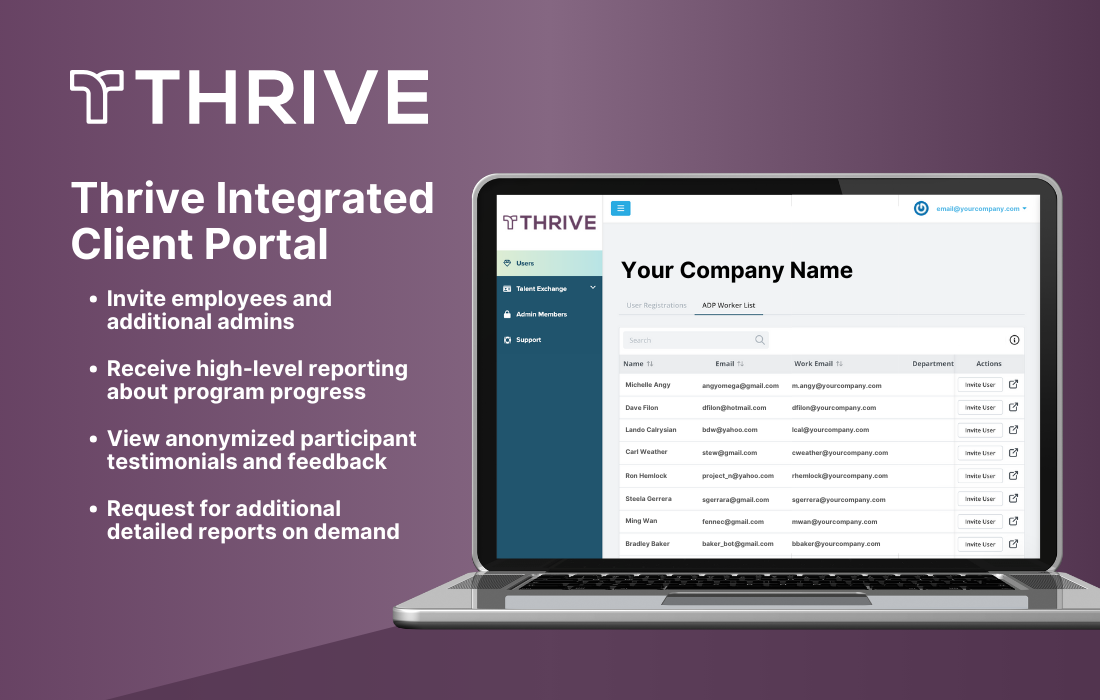
The Thrive client portal gives a simplistic view of job seeker activities and allows you to have full transparency. With Thrive, you can invite your employees, view engagement metrics and manage their outplacement program 24/7.
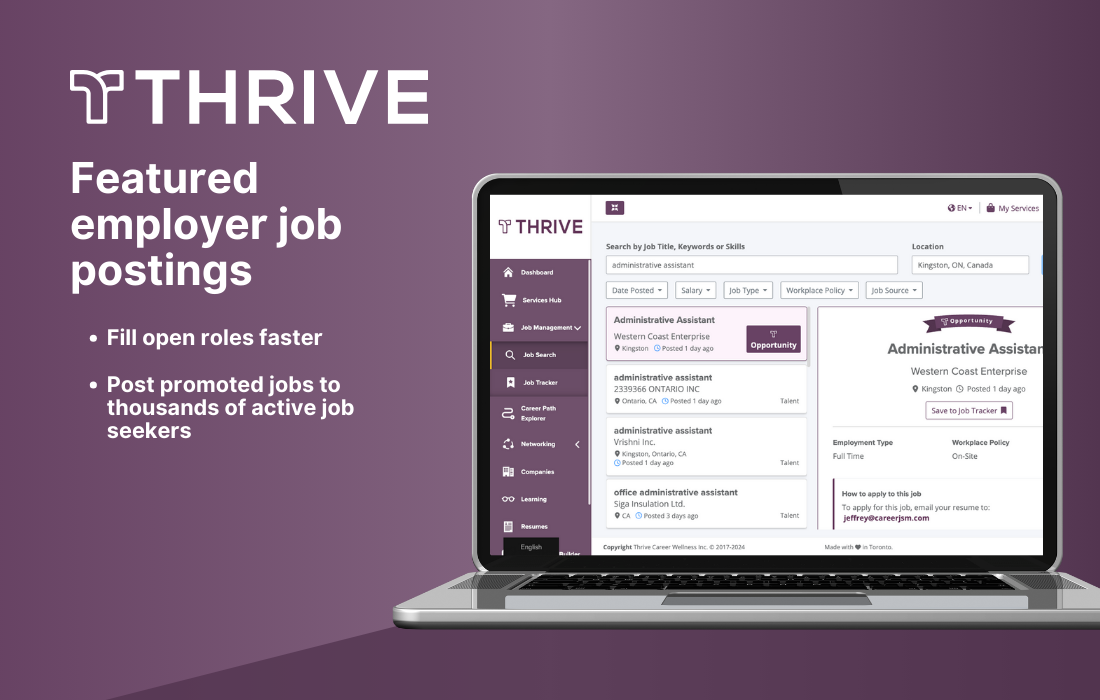
Fill your open roles faster with Thrive. By posting your open roles to the Thrive platform, your job posts are promoted to a featured position in job seeker results. Thrive connects job seekers to these roles using skills-based matching from job postings to resumes.
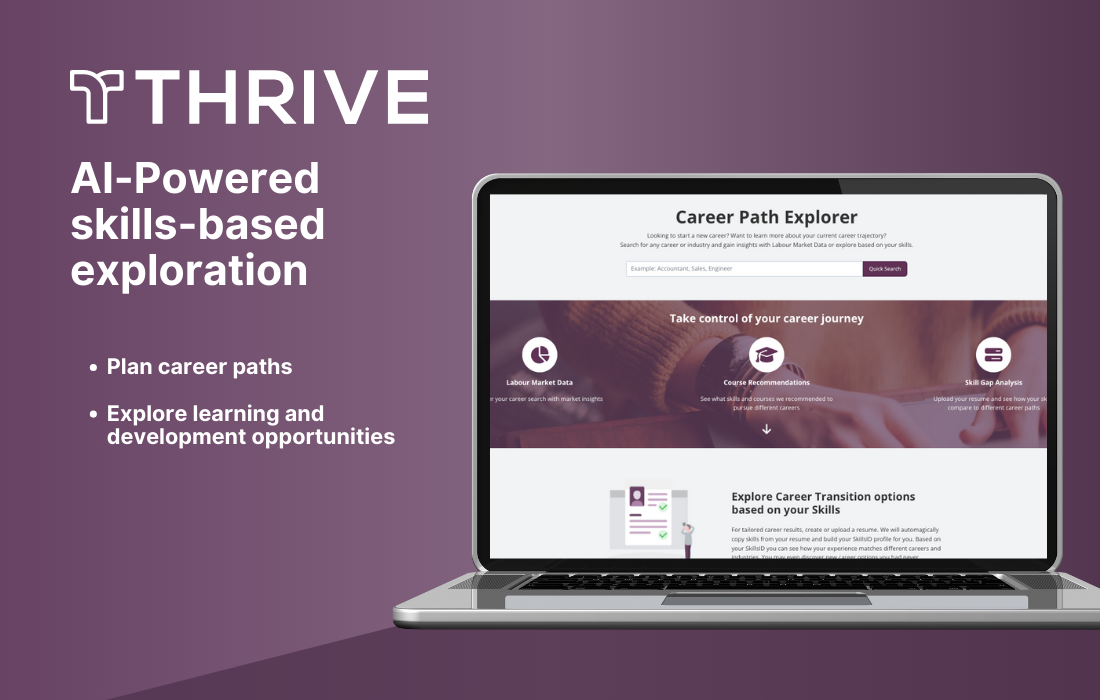
Job seekers discover new career paths and learning opportunities with the Thrive Career Path Explorer. They can identify their skills, what career paths are available to them based on those skills and learning recommendations based on career interests. Plus, they get up-to-date insights into their local job market, salary data, and nearby job opportunities.
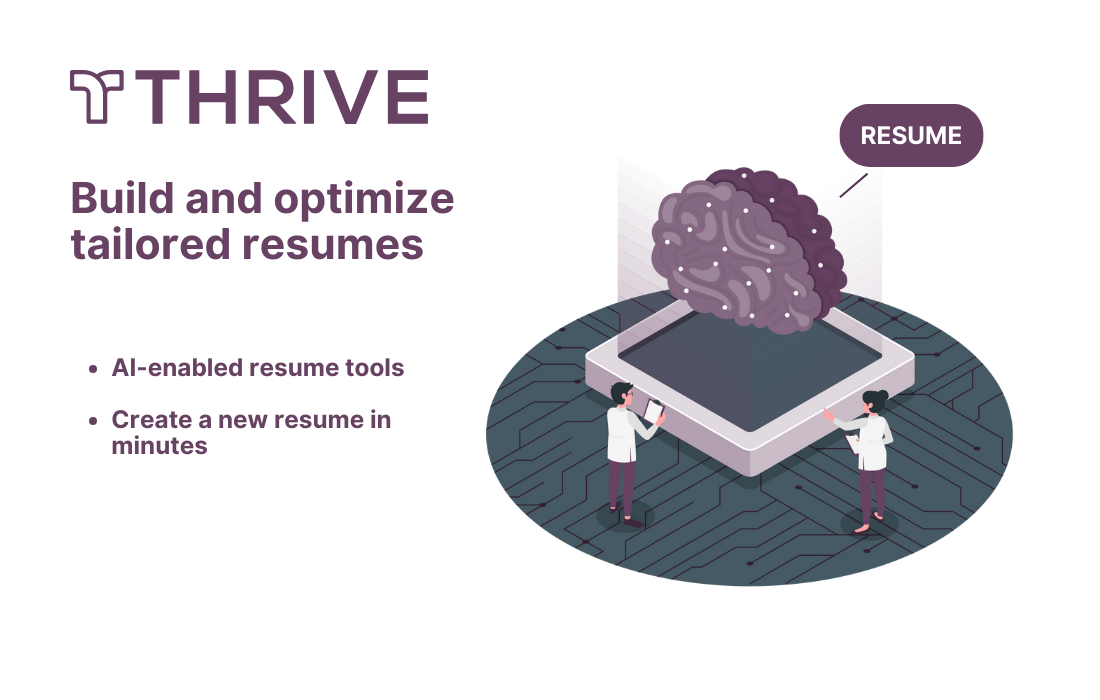
Thrive’s Resumes tool helps job seekers take the guesswork out of resumes. Using AI-enabled tools, they can quickly create a new resume by selecting and filling in a template or uploading and editing their existing resume. Plus, they can build and save multiple resumes, allowing job seekers to apply to multiple roles with a customized resume quickly.
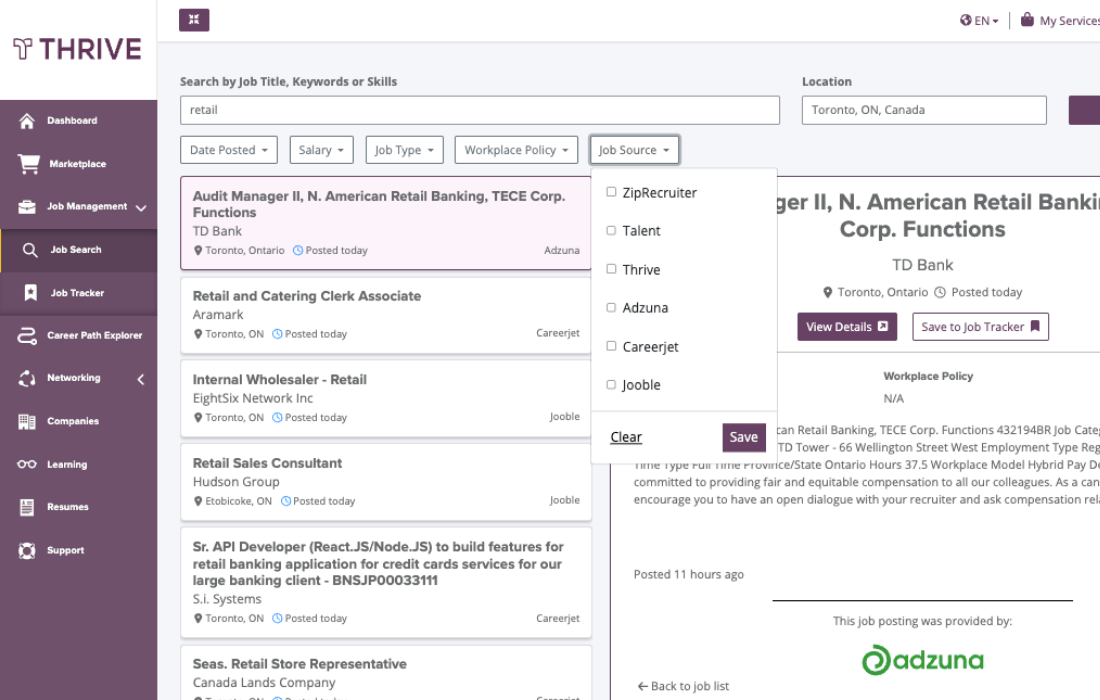
Job searches are simplified and organized. Job seekers can search for jobs directly from Thrive, which connects directly with job boards such as ZipRecruiter, Careerjet and LinkedIn. They can save jobs and keep track of their success by moving those jobs from bookmarked to applied to interview within the Job Tracker.
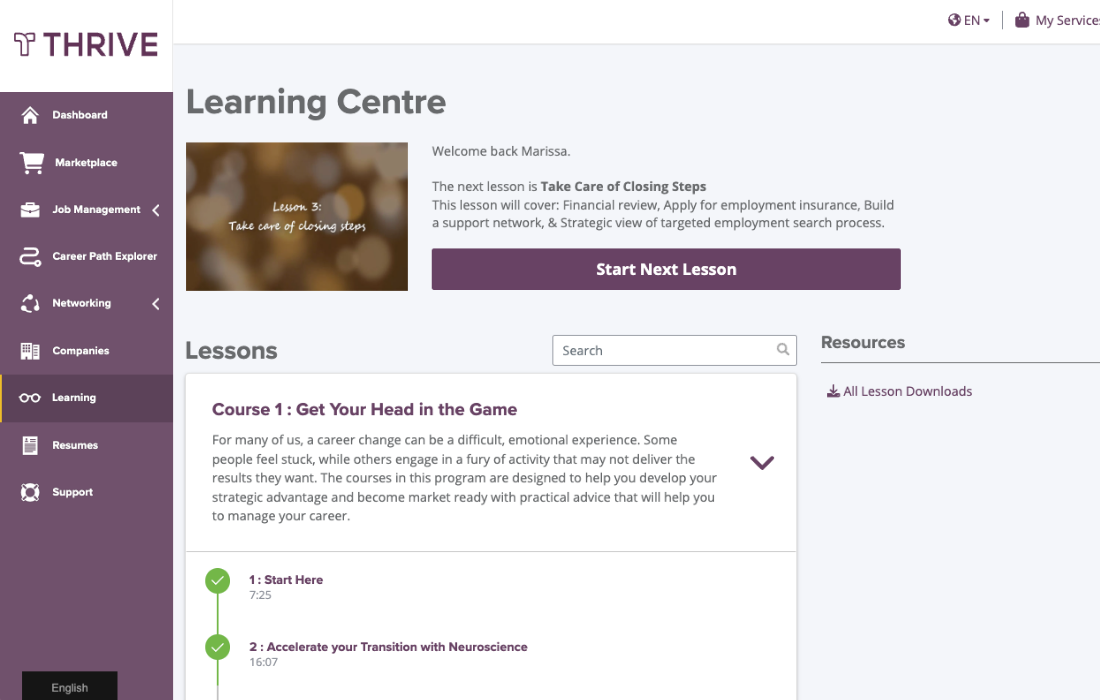
The Thrive Learning Centre offers access to free resources designed by our career expert partners to equip job seekers with the tools and knowledge needed to excel in areas such as creating resumes, writing cover letters, applying for jobs, and prepping for and practicing for interviews.
Using the Thrive Chrome Extension, job seekers can see the keywords and skills that will get them noticed by employers by including them on their resumes. Plus, they can save jobs from popular job sites like ZipRecruiter and Linkedin to the Thrive Job Tracker to apply to later or compare against their Skills ID profile generated from the Career Path Explorer.